
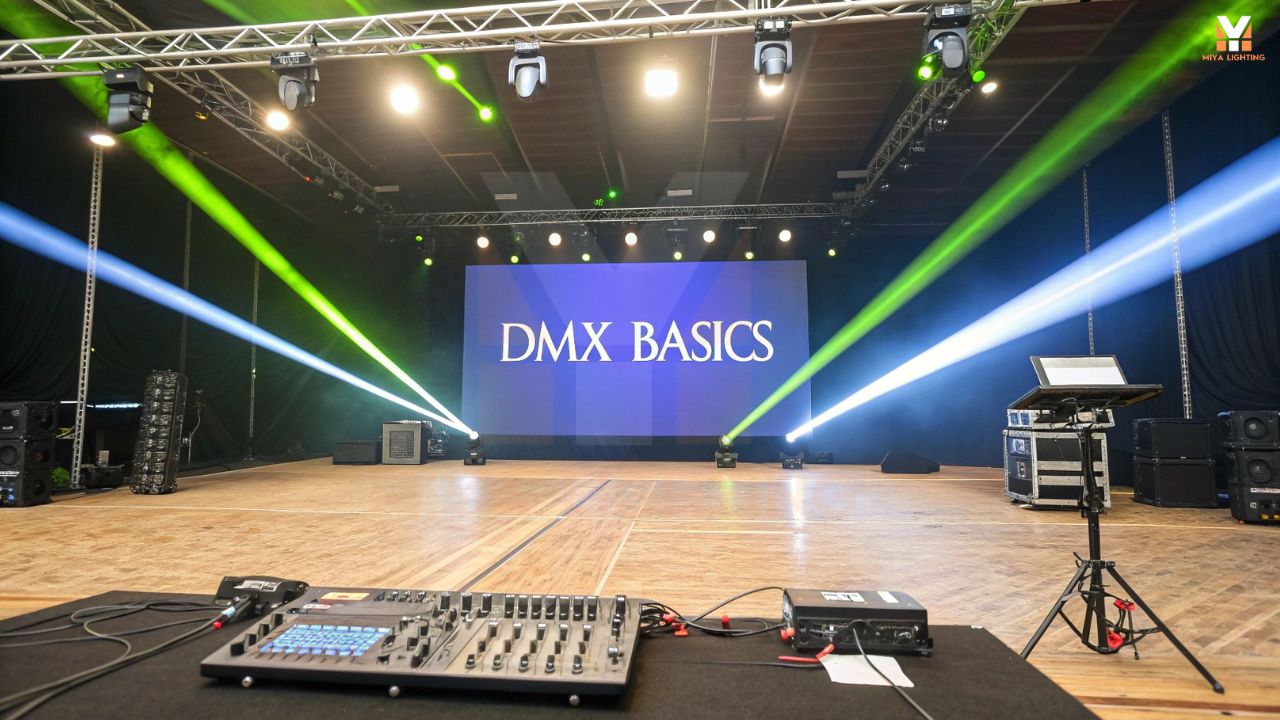
You’ve finished setting up your gear, powered everything on, and hit play—only to realize your DMX light isn’t responding the way it should. Maybe it won’t turn on at all. Maybe it’s flickering, reacting late, or doing something completely different from what you programmed.
If you’ve ever stood there thinking, “My light doesn’t work, what did I miss?”—you’re definitely not alone.
Issues with DMX lights are extremely common, especially for home users, DJs, and anyone running holiday or party setups. The good news? In most cases, the problem has nothing to do with a broken fixture. It usually comes down to a small setup detail in the DMX lighting system that’s easy to overlook.
This guide walks you through a clear, real-world troubleshooting process that solves about 90% of DMX light problems, even if you’re not a technical expert.
How DMX Lighting Actually Works (Without the Jargon)
Before fixing the issue, it helps to understand how a DMX controller works at a basic level.
DMX lighting is a one-way communication system. Your controller sends DMX data down a cable, and each fixture listens for instructions at a specific address. If anything in that communication chain breaks—addressing, mode, cable quality, or signal flow—the light won’t respond correctly.
Think of a DMX chain like a line of people passing instructions. If one person doesn’t hear clearly, everyone after them gets confused.
When a DMX light doesn’t behave properly, it usually means:
- The light isn’t receiving a DMX signal
- The light is listening to the wrong address
- The DMX data is distorted or interrupted
Once you understand that, troubleshooting becomes much easier.

Step One: Confirm the DMX Address
This is the most common reason DMX lights fail to respond.
Every DMX light needs an address so it knows which part of the DMX data stream belongs to it. If the address on the light doesn’t match what the controller is sending, nothing works—even if everything else is correct.
Being off by one single number can cause:
- No response at all
- Wrong colors or movements
- Multiple lights reacting together
Check the address displayed on the fixture, then check the controller output. They must match exactly.
If your light uses DIP switches instead of a digital display, don’t just trust how they look. Toggle them off and back on again. On older fixtures, switches can fail or stick internally.
Also make sure every light in your DMX track lighting setup actually has an address assigned. An unaddressed fixture is invisible to the system.
Step Two: Verify the Fixture Mode
Even with the correct address, a DMX light still needs to be set to the correct operating mode.
Most fixtures offer multiple modes, such as:
- 6-channel
- 9-channel
- 12-channel
- Auto or sound-active modes
If your controller expects a 12-channel fixture and the light is set to a 6-channel mode, the commands won’t line up. The result is lights reacting incorrectly—or not at all.
Pull up the manual and double-check the mode setting on the fixture. Two modes can look nearly identical but behave very differently inside a DMX lighting system.

Step Three: Break the DMX Chain
When troubleshooting, simplicity is your best friend.
Unplug all other fixtures and connect only the problem DMX light directly to the controller using the shortest DMX cable you have.
This step answers a critical question: Is the problem the light, or something else in the DMX chain?
A single malfunctioning fixture can corrupt the DMX signal for every light after it. This is especially common in long daisy chains.
If the light works perfectly when connected alone, the issue isn’t the fixture—it’s somewhere else in the chain.
This is also where DMX terminators help. Poor termination often causes random flickering or delayed responses that seem impossible to diagnose otherwise.
Step Four: Inspect the DMX Cables Carefully
Not all XLR cables are suitable for DMX lighting.
DMX requires data-rated cables. Audio cables may look the same, but they don’t handle DMX data reliably—especially over longer distances.
Common cable-related issues include:
- Loose connectors
- Bent pins
- Internal wire breaks
- Poor shielding
If a DMX lightshow behaves randomly, swapping the cable is one of the fastest ways to isolate the problem.
When in doubt, always test with a known-good DMX cable.

Step Five: Power Cycle Everything
Yes, it sounds obvious—but it works.
Controllers, lights, and even software-based systems can glitch or lose sync. Rebooting clears cached data and forces a fresh DMX signal handshake.
Proper reboot order matters:
- Power off the controller
- Power off all DMX lights
- Wait 10–15 seconds
- Power on the controller first
- Power on the lights
This simple reset fixes more issues than most people expect.
Step Six: Check Power Stability
Sometimes the problem isn’t DMX lighting—it’s power.
Unstable voltage can cause:
- Flickering
- Random resets
- Lights ignoring DMX commands
Make sure:
- Circuits aren’t overloaded
- Extension cords are rated for lighting equipment
- Power is consistent across all fixtures
- This is especially important for home holiday setups and mobile DJ rigs.

Step Seven: Use Auto or Test Modes
Most DMX lights include built-in test programs.
Switch the fixture to auto mode to confirm:
- LEDs or lasers are functioning
- Motors move correctly
- The issue is signal-related, not hardware
If the light runs fine in auto mode but fails under DMX control, the fixture itself is working—the problem lies in the DMX signal or setup.
When It Might Actually Be a Hardware Issue
True fixture failures are rare, but they do happen.
You may have a hardware issue if:
- The light doesn’t power on
- The display is dead
- The unit resets continuously even with stable power
At that point, contacting MIYA support with details about your DMX setup will help resolve the issue quickly.

Final Thoughts
When a DMX light doesn’t work right, it’s tempting to assume the worst—but most problems are simple once you know where to look.
Check the basics first:
- Address
- Mode
- DMX chain
- Cables
- Signal quality
- Power stability
Once those are correct, DMX lighting becomes incredibly reliable. A properly configured DMX lightshow runs smoothly, looks professional, and gives you precise control over every effect.
At MIYA, our DMX lights are designed to be flexible, user-friendly, and dependable—but even the best equipment needs the right setup. When everything is aligned, DMX lighting does exactly what it’s meant to do: bring your ideas to life without stress.
If your light doesn’t work today, don’t panic. Walk through these steps calmly, and chances are you’ll be back up and running in minutes.


Leave a comment
This site is protected by hCaptcha and the hCaptcha Privacy Policy and Terms of Service apply.