
A great party has moments people remember: the first song, a birthday surprise, or a personal message that brings everyone together. Lighting can help create those moments, especially when you can choose what appears on the wall.
The MIYA MY7-Pro combines RGB effects, text projection, image recognition, and smartphone control in a portable laser projector. You can preview every built-in pattern, choose animations, and create personal content through the app. For party hosts and DJs who want more creative options, these app-controlled laser lights bring the process onto your phone.
Preview Every Pattern in the Laser Light App
Choosing an effect is easier when you can see it first. The MY7-Pro lets you preview and select all 180 geometric patterns and 60 animation groups directly in the laser light app. You can browse the library visually and find something that fits the occasion.
Before guests arrive, explore different patterns and compare your favorites on the actual projection surface. Geometric effects might complement a DJ set, while an animation could become a focal point for a themed celebration. Having the full library accessible on your phone makes it easier to explore what your laser animation projector can do.
The preview helps you select content, but the room still matters. Check the projected result under the lighting conditions you plan to use during the event.

Make Text Projection Part of the Celebration
A name or short greeting can make a display feel personal. The MIYA MY7-Pro supports text projection, giving you a way to add birthday wishes, welcome messages, or your DJ name to a designated backdrop.
For a birthday party, try a short greeting that guests can read as they enter. For a DJ performance, use your name as part of the visual setting. At a private celebration, a meaningful phrase can tie the lighting to the occasion without adding more physical decorations.
Keep the wording brief and leave enough space around the letters. View the projection from where your guests will stand, then adjust the presentation as needed. Clear, readable text makes a stronger impression than a crowded message.
Turn Simple Images into Laser Graphics
Image recognition adds another creative option to these app-controlled laser lights. Start with a simple image and use the recognition feature to turn it into a laser graphic.
Images with bold outlines and limited detail are useful starting points. A simple symbol or illustration gives the projector a clearer shape to reproduce than a photograph filled with textures, shadows, and fine details.
Try a graphic that matches your party theme or a simple icon associated with your DJ identity. Check the result on your chosen surface and simplify the source image if necessary. This approach helps you create content that feels connected to the event while working with the line-based appearance of laser projection.

Add a Different Look to Your DJ Lighting
If you already own basic DJ lights, consider what role the laser will play alongside them. Color washes can establish the room’s overall mood, while projected graphics give guests a specific visual point of interest.
The MY7-Pro offers content you can select for different parts of an event. You might use a welcome message during arrivals, then switch to geometric patterns when the music begins. Planning a few deliberate changes can make your DJ lighting feel more considered.
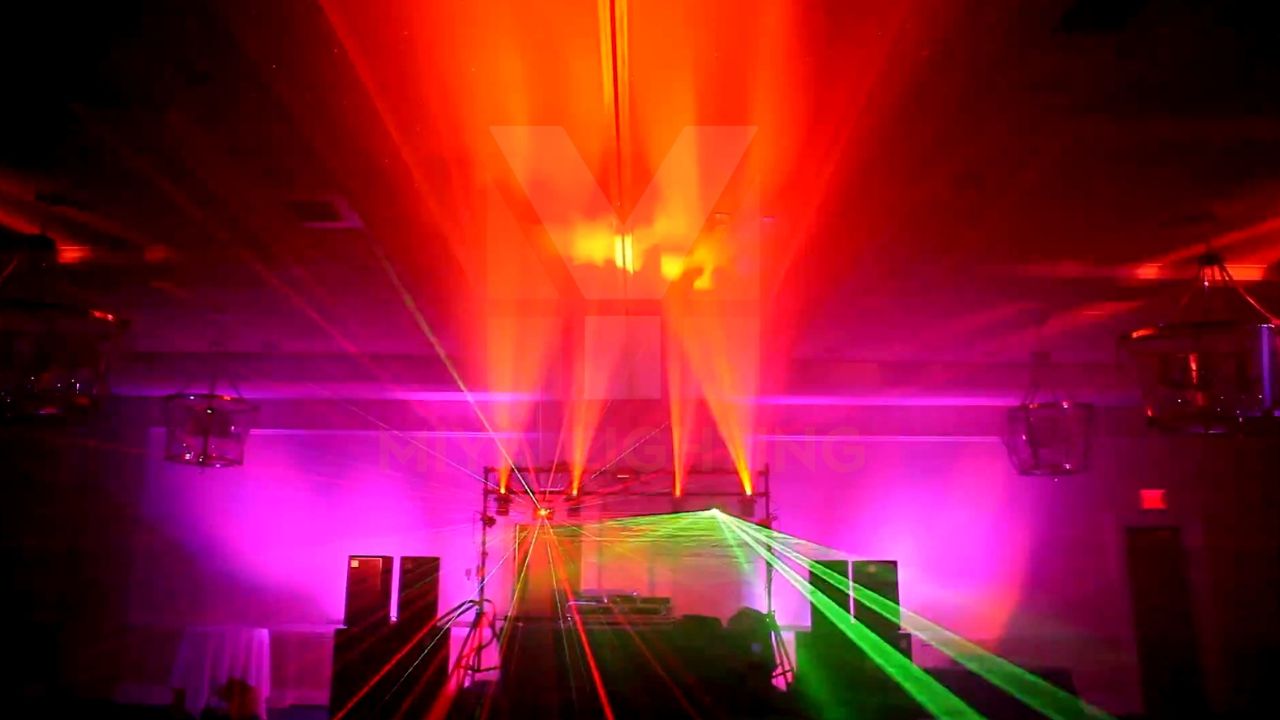
When comparing DJ laser lights, look at actual demonstrations of the content you want to use. Wall graphics and airborne beam effects have different viewing conditions. Haze can help reveal beam paths where permitted, while text and graphics need a suitable projection surface.
Control Your Display from iPhone or Android
The MY7-Pro works with the LightElf app on iPhone and Android. This laser light app brings pattern previews, selection, editing, and control together on your smartphone.
That gives you a practical way to explore the projector before an event. Browse the built-in library, prepare text, and experiment with simple image recognition. Then check each idea in the space where you will use it.
For buyers exploring their first DJ laser projector, phone control provides an accessible way to work with the available content. You can focus on choosing visuals that suit the occasion while learning how different patterns look in your setup.

Battery Power and Additional Control Options
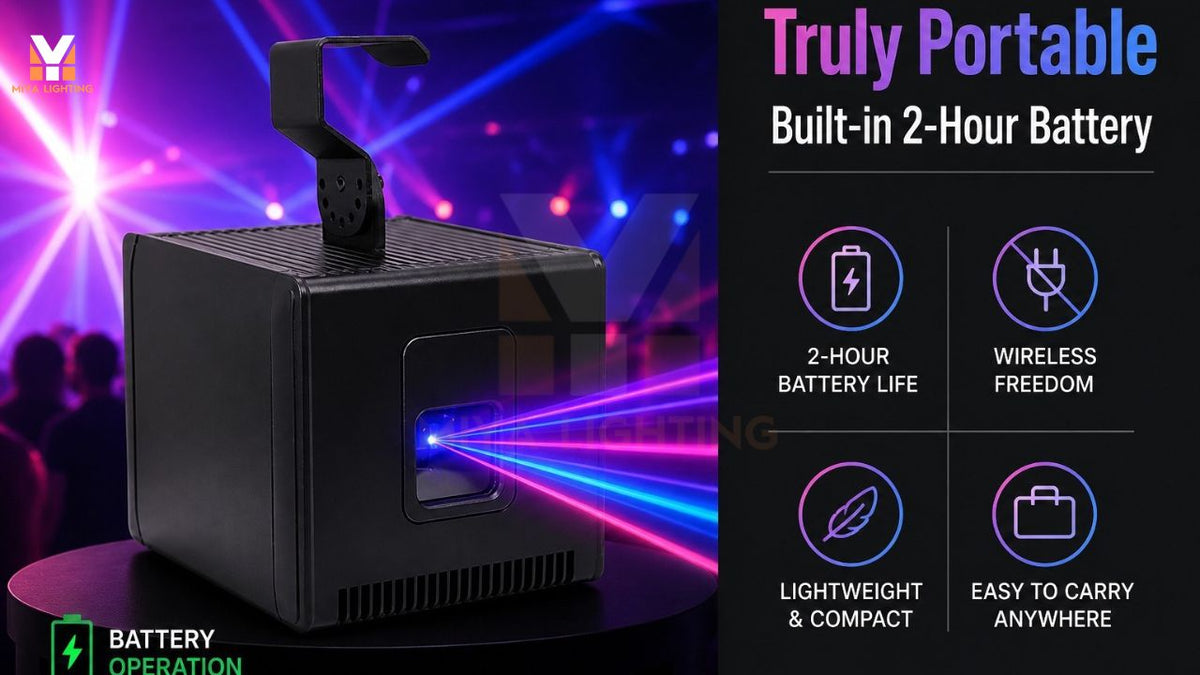
A built-in battery gives this portable laser projector more flexibility when planning equipment placement. Confirm the expected runtime for your intended settings, charge it before the event, and choose a secure installation position with the required ventilation.
The MY7-Pro also supports standalone operation, DMX, and RJ45 ILDA connections. If you later want to connect external controls, confirm the required equipment, adapters, and compatibility with MIYA. Battery power does not eliminate control cables when those connections are used.
Create a Display That Fits Your Space
Choose an uncluttered projection area and test your content before the celebration. Surface color, nearby lights, distance, and image size will influence how clearly text and graphics appear. Follow the product’s installation and laser safety instructions, keeping direct beams away from people.
Explore the MIYA MY7-Pro app-controlled laser lights to see how full pattern previews, text projection, and image recognition can bring personal content to your next party or DJ set.

Leave a comment
This site is protected by hCaptcha and the hCaptcha Privacy Policy and Terms of Service apply.