
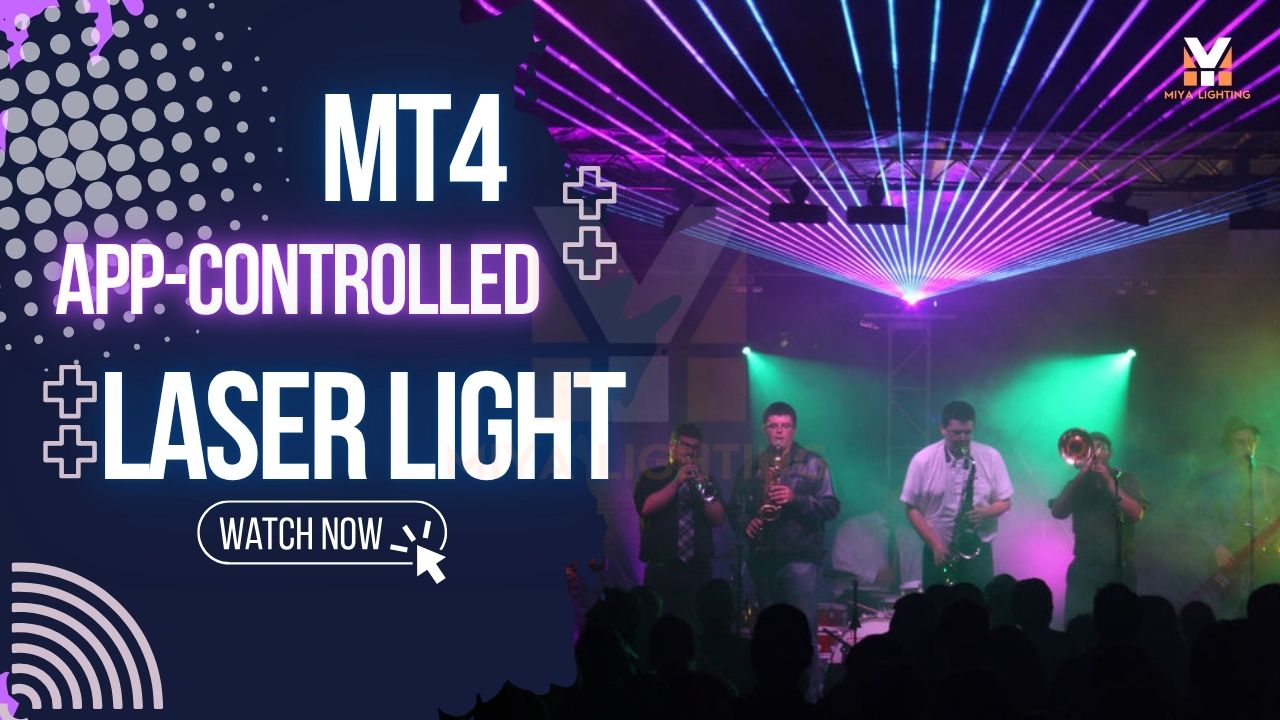
You do not need to buy a full lighting console on day one to make your DJ setup feel professional. If you are a mobile DJ, bar owner, wedding DJ, or private event host, the easier starting point is a real laser fixture you can control from your phone. That is where MIYA app-controlled laser lights stand out.
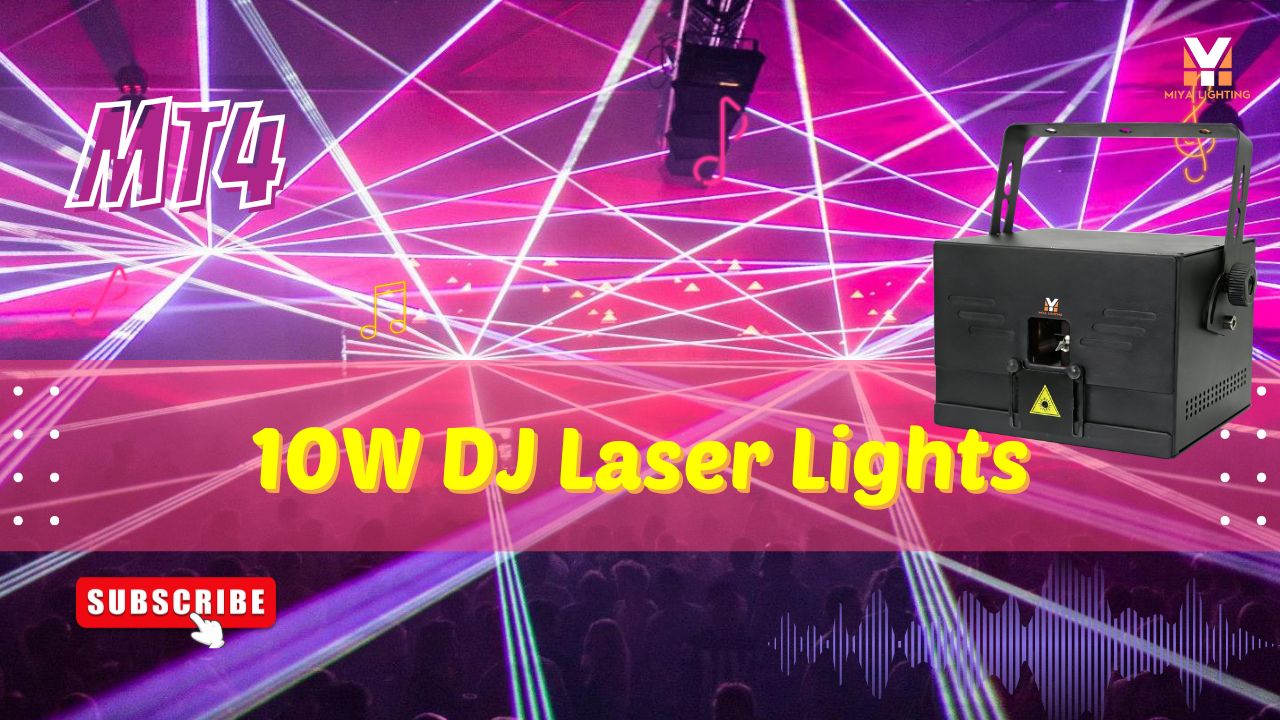
The MIYA MT4 10W RGB Animation Laser Light Projector gives you the look of a real indoor laser light show without forcing you to learn DMX before your first event. You can start with the laser light app, use Auto mode when you need fast setup, and move into DMX or ILDA control when you are ready for more advanced shows.
This is important because many shoppers search for phrases like iphone laser, phone laser, or laser pointer app for iphone when they really want a phone-controlled laser show. An iPhone cannot turn into a real high-power stage laser by itself. The phone is the controller. The MIYA MT4 is the actual laser light projector that creates the beams, animations, and club-style effects.
Why DJs Want a Laser Light App
Most DJs already have enough to manage. Music, requests, microphones, speakers, timing, clients, and the crowd all need attention. Lighting should make the show better, not add another problem.
With a laser light app, you can adjust effects without walking back to the fixture or standing behind a lighting console all night. You can keep the look soft during guest arrival, switch to brighter animation when the dance floor fills, and bring in stronger motion when the music peaks.
For mobile DJs, this makes setup feel easier. For bars and lounges, it helps create different moods through the night. For wedding after-parties, it lets you move from elegant reception lighting to a more energetic wedding laser light show without changing your whole rig.

Meet the MIYA MT4 RGB Full Color Laser
The MIYA MT4 is designed for indoor DJs, clubs, bars, lounges, wedding venues, private event rooms, theaters, and small stage shows. It is a 10W RGB full color laser with mobile app control, DMX512, ILDA, Auto, and Master-Slave modes.
That means it is not just a basic party light. It is a flexible rgb dmx laser projector that works for beginners and more experienced lighting users.
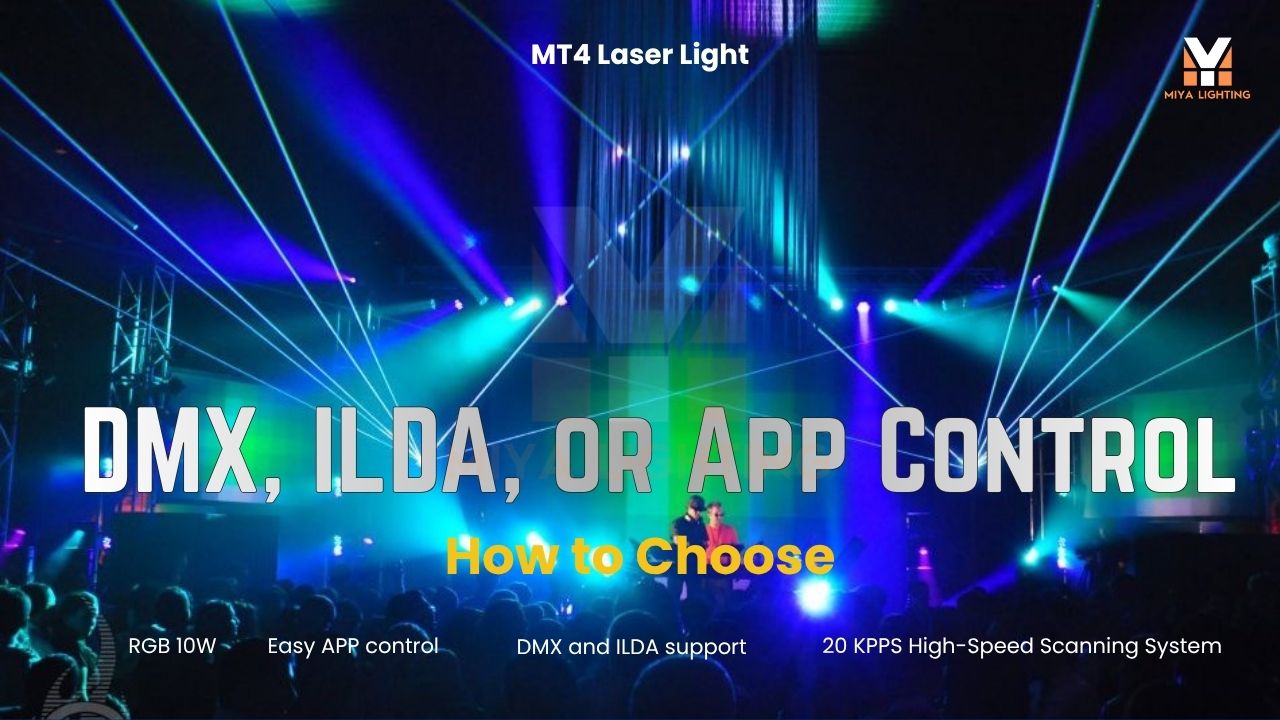
If you are new to laser lights, start with the app and Auto mode. If you already use DJ lights, moving heads, strobes, or club lighting equipment, connect the MT4 through DMX. If you want custom text, logos, graphics, and programmed animation laser scenes, ILDA gives you more creative control.
The result is a laser projector that can grow with your setup instead of feeling outdated after a few gigs.
Control the Laser Show from Your Phone
The biggest reason DJs choose app-controlled laser lights is convenience. With iOS and Android app control, the MIYA MT4 lets you manage laser effects from your phone instead of starting with a separate lighting console.
For many buyers, this answers the real question: “Can I control the laser light on phone?” With the MT4, yes — your phone controls the laser fixture through the supported app. It is not a laser on phone or a phone laser pointer. It is a phone-controlled professional laser light projector.
This matters when you are working alone. You can stay near your mixer, watch the room, and adjust the laser light show without leaving the booth. You can use calmer movement for cocktail hour, stronger animated laser beam effects for dancing, and brighter RGB motion when the crowd is ready.
A Stronger Look Than Regular Party Lights
Regular party lights are easy to buy, but many of them look flat after a few songs. They flash, spin, or change color, but they do not always create the depth people expect from a club-style event.
A 10W RGB full color laser adds a different kind of energy. A sharp beam through light haze can make the room feel larger. Animated patterns can move across a wall, ceiling, or backdrop. Full-color effects can match the mood of the music and make the space feel alive.
The MT4 is especially useful when you want an animation laser instead of a simple flashing light. It can create moving patterns, graphic-style visuals, and an animated laser beam look that feels much more polished than basic party lighting.
For bars, lounges, private parties, and wedding after-parties, guests may not know the technical details. They just feel that the room looks more exciting.
Perfect for Mobile DJs and Wedding After-Parties
The MIYA MT4 is a strong choice for mobile DJs because every event is different. One weekend may be a birthday party in a private event room. The next may be a wedding after-party, a small bar night, or a DJ set in a lounge.
With app-controlled laser lights, you do not need to bring a huge lighting rig to create a strong visual impression. One well-placed laser projector can add movement behind the DJ booth, create animation on a backdrop, or bring energy to the dance floor.
For wedding DJs, the MT4 helps the reception shift from formal to fun. Use softer laser movement early in the evening, then bring in stronger RGB animation when the dance floor opens. This gives the couple and guests a more memorable wedding laser light show without making the setup too complicated.

Start with the App, Then Upgrade to DMX or ILDA
One of the best things about the MT4 is that it does not lock you into one control style.
New users can start with the laser app or Auto mode. This is ideal for quick setup, private parties, bars, and DJs who want better effects without programming.
As your shows get bigger, you can use DMX512 to sync the MT4 with your other DJ lighting. This is useful if you already run moving heads, wash lights, strobes, or club lights.
For more advanced laser shows, ILDA control gives you access to custom content such as text, logos, graphics, and programmed animation effects. This is where the MT4 becomes more than a simple laser light. It becomes part of a real DJ laser show system.
What About iPhone Laser and Laser Pointer App Searches?
Some shoppers search terms like laser iphone, laser on iphone, lasers iphone, laser pointer app iphone, laser pointer app for iphone, iphone laser pointer, laser pointer on iphone, laser pointer iphone, laser app for iphone, laser apps, laserpointer app, lazer pointer app, or laser pointer for phone.
Those searches can be confusing. A phone app cannot physically create a real stage laser beam from the phone itself. A laser pointer app may only simulate a pointer on the screen or act as a remote-style interface. For a real DJ laser light show, you need an actual laser light projector like the MIYA MT4, and the phone works as the control device.
That is the difference between a screen-based app and a real laser light app for a professional fixture.

How to Get the Best Look
To make app-controlled laser lights look their best, placement matters. Set the projector where it can safely aim toward a wall, ceiling, backdrop, or above the dance floor. Avoid pointing beams directly into people’s eyes.
Light haze can also make a huge difference. Without haze, laser effects may only appear clearly when they hit a surface. With a small amount of haze, the beams become visible in the air and create that classic club look.
For small rooms, keep the movement clean and controlled. For dance sets, use brighter colors and faster animation. For lounges or early evening events, slower movement usually feels more premium.
Indoor Use Only
The MIYA MT4 is designed for indoor use. It is a strong choice for clubs, bars, lounges, wedding venues, private event rooms, theaters, and indoor stage environments.
For outdoor events, rain, moisture, and humidity require a weather-rated MIYA outdoor laser projector instead. Choosing the right model for the right environment helps protect your equipment and keeps the show reliable.

Who Should Choose the MIYA MT4?
The MIYA MT4 is a great fit for mobile DJs, bar owners, lounge operators, wedding DJs, private event hosts, and small venue owners who want a more impressive indoor light show without starting with a complex console setup.
It is also a good choice for buyers who want to begin with a laser mobile app workflow but still have room to grow into DMX and ILDA control later.
If your current party lights make the room brighter but not more exciting, the MT4 gives you a stronger visual upgrade.
Final Thoughts
A good DJ show should not only sound great. It should look alive.
The MIYA MT4 10W RGB Animation Laser Light Projector helps DJs, clubs, bars, and private event hosts build a bigger indoor show from a phone. With a laser light app, Auto mode, DMX512, ILDA support, rgb full color laser effects, and smooth animation, it gives you an easier way to create a club-style atmosphere without making setup complicated.
For DJs who want better lighting, stronger dance floor energy, and a more memorable guest experience, MIYA app-controlled laser lights are a smart place to start.

Leave a comment
This site is protected by hCaptcha and the hCaptcha Privacy Policy and Terms of Service apply.