
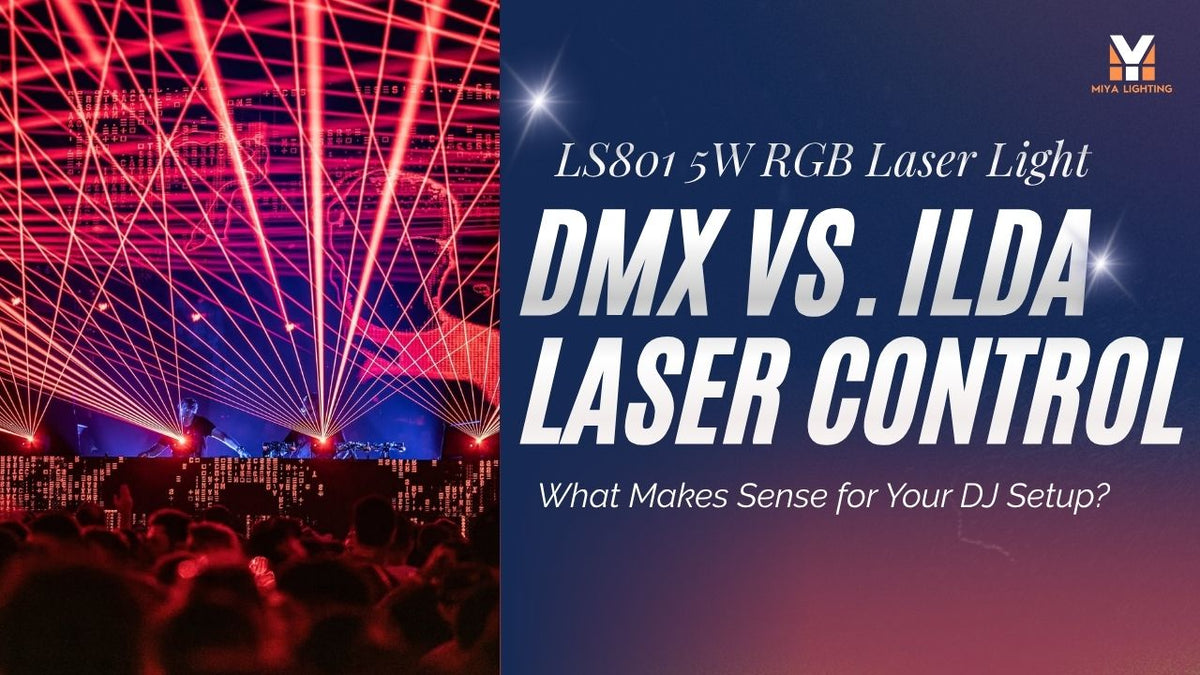
You are loading up for a Saturday wedding reception. The speakers, controller, and lighting stands are already packed. You have added a laser projector to the setup, but there is one decision left: should you run it from your lighting controller or bring a laptop and a separate laser control system?
The answer depends on what you have promised to deliver. Adding built-in effects during the evening is one job. Projecting a couple’s names or a custom graphic is another. Understanding DMX vs. ILDA laser control helps you buy the equipment you will actually use—and avoid discovering a missing connection during setup.
Think About a Typical Booking
Start with the events you do most often. At a hotel reception, you might handle background music, speeches, announcements, and dancing. At a bar, you may have a regular lighting position but little time to prepare new content each week.
In both situations, your attention is divided. If you want to recall a few prepared lighting scenes while concentrating on the music, DMX laser lights may fit your routine.
If clients regularly request personalized graphics, or you want to design laser content around a particular track, an ILDA laser projector with a compatible external control system becomes more relevant. That workflow needs its own preparation time and equipment budget.

What DMX Looks Like During a Gig
Imagine you already use a DMX controller for your wash lights and moving heads. Adding a compatible laser lets you include its supported functions in the scenes you program.
You could prepare one scene for a restrained opening set and another for a busier dance segment. Depending on the fixture’s channel chart, those scenes might select different built-in laser patterns or change supported effect settings.
The channel chart matters more than the phrase “DMX compatible.” Read it before buying DMX laser lights. Check which functions you can access, whether your controller can handle the chosen mode, and how you will stop output when needed. Building a few usable scenes in advance is much easier than learning the fixture while guests are arriving.
What ILDA Adds to the Setup
Now consider a different request: a venue wants its outline logo on a designated backdrop, or a client wants a short personalized sequence for an event opening.
An ILDA laser projector can receive drawing signals from compatible external laser control hardware. You prepare or select content in the associated software, check the output, and rehearse how it will be used.
That creative control is useful, but it adds work. Artwork may need simplifying, text needs checking at the intended size, and animations need testing on the actual projector. A detailed image that looks good on a laptop screen may need substantial adjustment before it works as a laser graphic.

Your Laptop Is Only Part of the System
Before ordering, ask for a complete connection list. A laptop and an ILDA cable alone do not normally make a working laser control system. You also need compatible output hardware and suitable software.
If you plan to use QuickShow, confirm the appropriate Pangolin hardware, software entitlement, and connection arrangement with the supplier. Check what is included in the purchase and what you need to buy separately.
Also consider the practical setup. Where will the laptop sit? How will the control cable reach the projector without crossing a guest walkway? If you work alone, can you operate the system comfortably while managing the rest of the event?
These details belong in the budget alongside the projector.
Do You Need Custom Content at Every Event?
Many bookings do not call for personalized laser graphics. A well-chosen set of built-in effects may give you enough variety for regular DJ work.
For occasional custom requests, weigh the preparation time against how often you expect to use the capability. Owning an ILDA-capable projector gives you an option to explore later; it does not mean every performance needs a computer-driven laser show.
Likewise, sound activation is a separate operating choice. Responding to detected sound is different from a sequence deliberately programmed to particular moments in a track.

Where the MIYA LS801 Fits
The MIYA LS801 5W RGB laser projector offers more than 200 built-in effects, 20KPPS scanning, DMX512 control, and an ILDA interface. Its listed DMX modes are 16 channels and 36 channels.
For a DJ with an existing lighting controller, the useful first step is reviewing those DMX modes and watching demonstrations of the built-in content. For custom graphics, discuss the complete external control system before purchasing.
The LS801 is specified for indoor use. Assess it around the venues you work in, including ambient brightness, projection distance, mounting options, and the effects you intend to present. Wattage alone will not answer those questions.
Speak to the Venue Before You Arrive
Hotel function rooms, bars, and hired halls have different operating conditions. Confirm mounting permissions, projection positions, and any restrictions on haze before the booking.
Plan a controlled beam path that prevents direct exposure to people and accounts for reflective surfaces. Follow the manufacturer’s instructions and applicable local requirements. Neither DMX control nor moving patterns makes audience exposure safe.
Choose the workflow that fits your regular work: DMX for operating supported fixture effects within your lighting setup, or ILDA when you need compatible external control for custom content.
Explore the MIYA LS801 DMX and ILDA laser projector, and send MIYA your controller model and intended effects. Confirming the connections now makes setup day more straightforward.

Leave a comment
This site is protected by hCaptcha and the hCaptcha Privacy Policy and Terms of Service apply.