
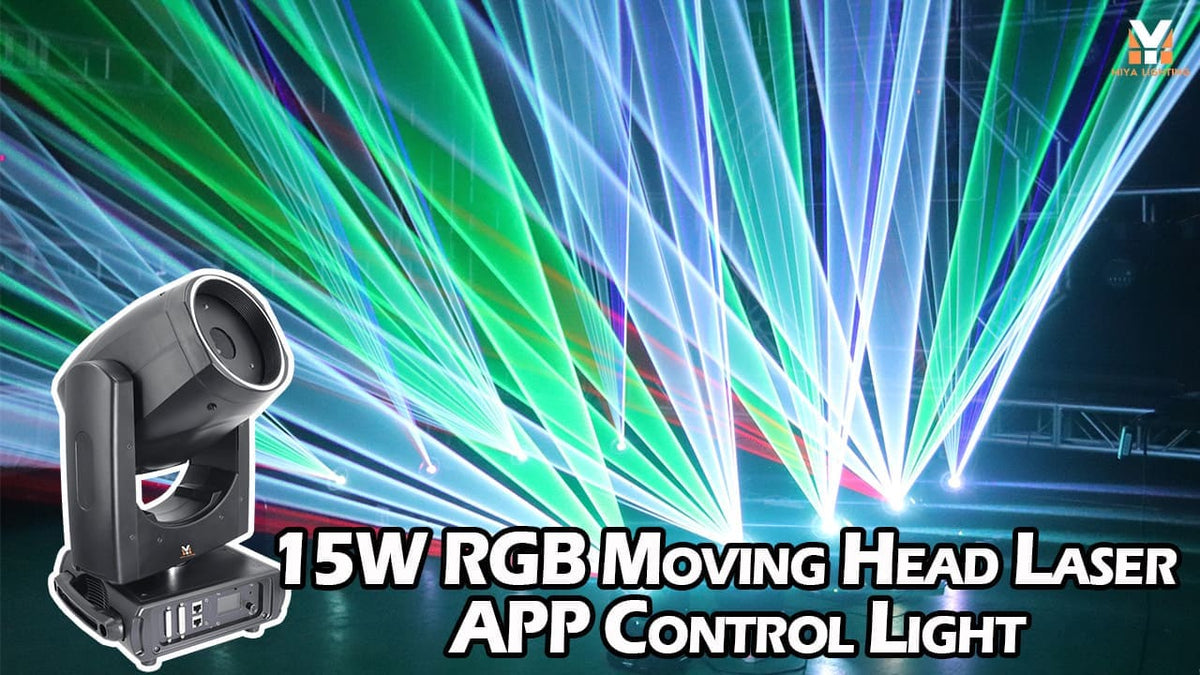
Want to create a real laser show without spending hours learning DMX programming? With today’s app controlled laser lights, your phone can be the easiest place to start.
The MIYA 15W RGB Moving Head Laser Light combines smartphone control with 300+ built-in effects, true RGB laser output, and 540°/270° moving-head movement. You can adjust colors, brightness, speed, strobe, rotation, and effects from your phone, then move into DMX or ILDA control when you’re ready for a more advanced setup.
For DJs, clubs, wedding professionals, and live performers, it offers an easier path from your first laser show to a complete professional lighting system.
What Is an APP-Controlled Laser Light?
An app controlled laser light lets you operate key laser functions through a compatible smartphone app instead of relying entirely on a lighting console.
That matters if you love the look of professional DJ laser lights but don't have years of DMX experience.
With the MIYA moving head laser, you can browse more than 300 built-in effects and adjust the look of your show directly from your phone. Change colors, control brightness, speed up or slow down an effect, adjust strobe settings, or experiment with rotation.
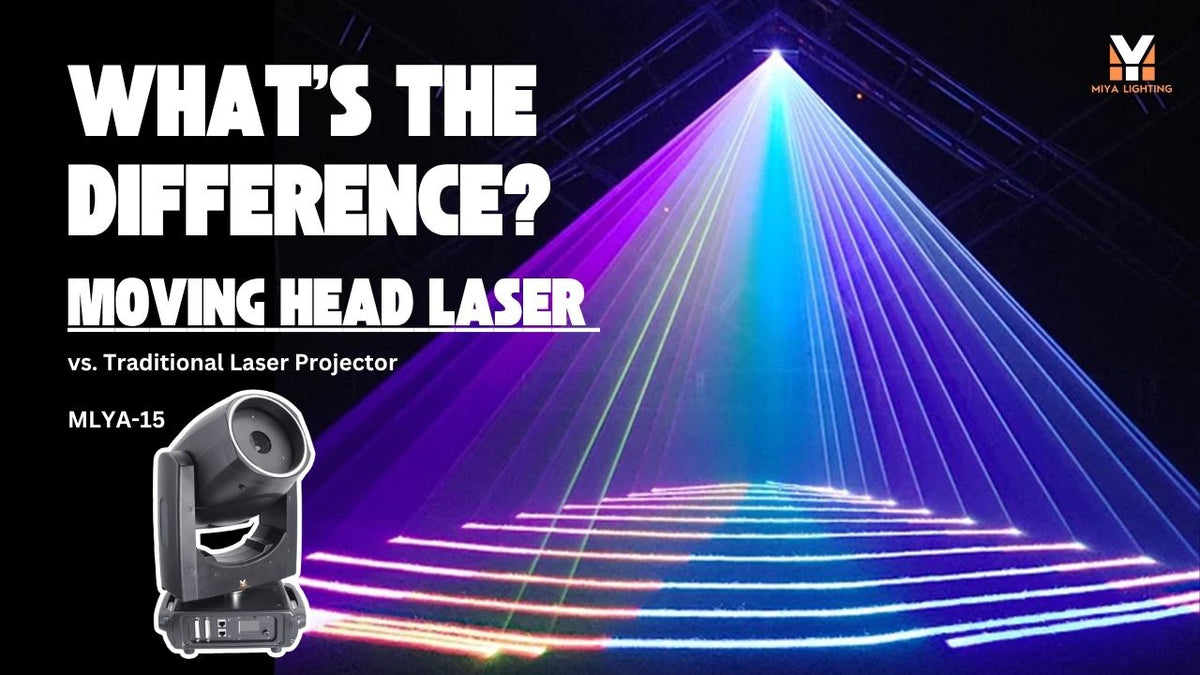
And unlike a basic fixed laser light show projector, the MIYA is also a moving head laser light. The entire head can pan and tilt, adding another layer of movement to the laser effect.

Do You Need DMX to Create a Laser Show?
Not when you're getting started.
DMX is incredibly useful when you're running moving head lights, lasers, washes, strobes, and other stage fixtures together. But if you've never programmed DMX before, you don't need to master it before enjoying a professional laser.
Start with the app.
The idea is simple: APP → Sound/Auto → DMX → ILDA
You can begin with straightforward phone control, use automatic modes when you want hands-off operation, and move into professional programming as your lighting setup grows.
That makes the MIYA more than an easy-to-use moving laser light. It's a fixture you can grow into.
Step 1: Build Your First Show from Your Phone
Start by exploring the built-in effects.
For a wedding or private event, you might choose slower movement and softer color combinations early in the evening. When the dance floor opens, switch to faster effects, stronger RGB combinations, and more energetic movement.
Because the MIYA combines internal laser scanning with 540° pan and 270° tilt, the complete laser effect can change direction.
That's a key difference between a laser moving head light and a traditional fixed projector.
The scanner creates the pattern or light beam effect, while the motorized head changes where that effect is directed.

Step 2: Let Sound Active Mode Follow the Music
When you're DJing, you don't always have time to manually control your lighting.
Sound Active mode gives you another option.
Instead of constantly changing effects from your phone, the fixture can respond to the music while you concentrate on your set.
This works especially well for mobile DJs who already use DJ moving head lights, strobes, washes, and other effects.
The conventional moving lights create color and movement around the venue, while the laser adds the distinctive sharpness of RGB laser effects.
You aren't replacing your existing moving heads. You're adding a new visual layer.
Step 3: Use Auto Mode When You Want Hands-Off Lighting
There are also moments when you simply want your lighting to run without constant attention.
Auto mode is useful during setup, pre-event atmosphere, casual parties, or sections of an event where detailed cue programming isn't necessary.
For a DJ working alone, this flexibility matters.
You can use the app when you want direct creative control, Sound Active mode when the music should drive the energy, and Auto mode when you need to focus on something else.
It's a much easier entry point than assuming every professional moving head light or laser needs a full lighting console from day one.

Wedding DJ Example: From Dinner to Dance Floor
Imagine you're handling music and lighting for a wedding reception.
During dinner, your wash fixtures and moving LED lights provide ambient color around the ballroom. The laser doesn't need to dominate the room.
When the dance floor opens, bring in the MIYA moving head laser.
Start with a controlled RGB effect from your phone. As the night builds, increase the movement and choose more energetic patterns.
Combined with moving head DJ lights, the laser can create a much richer dance-floor look than conventional lighting alone.
For professional wedding DJs working in different venues every weekend, this gives you a flexible system without requiring complicated programming for every event.
Club Setup: When DMX Starts to Make Sense
Now imagine the same fixture in a nightclub.
Your rig may include professional moving head lights, washes, strobes, LED fixtures, and one or more lasers.
At this point, DMX becomes much more valuable.
Using DMX512, the MIYA laser can become part of the same lighting workflow as your DMX moving head lights. Instead of controlling every fixture separately, you can build coordinated cues.
A color change can happen across the room. Your moving heads stage lights can reposition. The strobe can hit. Then the laser effect can change as part of the same moment.
This is where the MIYA begins to feel less like a standalone DJ laser and more like part of a professional club lighting system.

Why a Moving Head Laser Is Different from a Beam Moving Head Light
A beam moving head light and a moving head laser may look similar from a distance, but they create very different effects.
Traditional moving head lights use lamps or LEDs to create beam, spot, or wash effects.
A moving head laser light uses laser sources and a scanning system to create much sharper lines, patterns, and graphics.
That's why DJs often use them together rather than choosing one or the other.
Moving heads provide broader stage lighting and movement. The laser adds sharp RGB aerial effects that conventional fixtures can't reproduce in the same way.
For a high-energy club or live stage, that contrast is what makes the rig interesting.
Step 4: Move Into ILDA When You Want More
Eventually, you may want more than built-in effects.
That's where ILDA becomes relevant.
ILDA control is designed for more advanced laser show workflows, giving experienced operators another way to work with a professional laser system.
You don't need it for your first show.
That's the point.
A beginner can start with APP control. A mobile DJ can use APP, Sound, and Auto. A growing lighting rig can move into DMX. More experienced laser users can take advantage of ILDA.
You're not buying a fixture that only works at one skill level.

Why This Matters When Buying Professional Lighting
There's a big difference between buying something that's easy and buying something that's easy but still gives you room to grow.
A basic party laser may be simple to operate, but you can quickly reach its limits.
The MIYA 15W RGB Moving Head Laser takes a different approach.
You get true 15W RGB output, 20Kpps scanning, 540° pan, 270° tilt, 300+ built-in effects, APP control, DMX512, and ILDA.
That makes it suitable for users who want easy operation today without giving up professional control tomorrow.
Start with Your Phone. Build from There.
You don't need to become a DMX programmer before creating an exciting laser show.
Start with your phone.
Learn which effects work for your venue. Experiment with color, speed, movement, and different looks. Use Sound or Auto when you need hands-free operation.
Then, when your setup expands to include more moving head lights, stage lighting, and synchronized effects, move into DMX. When your laser programming becomes more advanced, ILDA is already available.
That's the value of the MIYA 15W RGB Moving Head Laser Light.
It's simple enough to start with and powerful enough that you don't have to leave it behind as your shows get bigger.

Leave a comment
This site is protected by hCaptcha and the hCaptcha Privacy Policy and Terms of Service apply.