


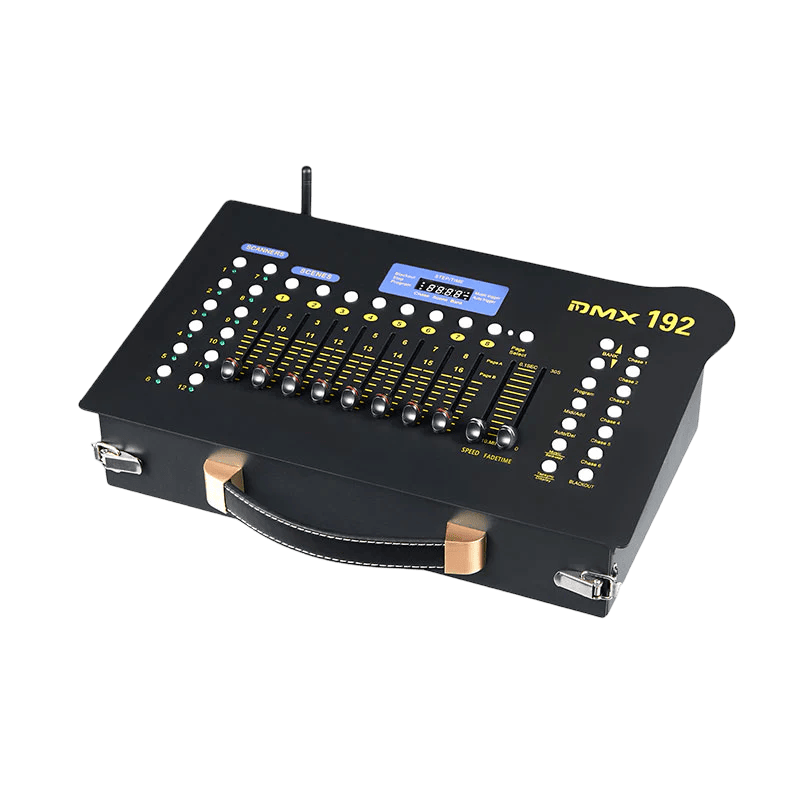
DMX192 Wireless DMX Controller Professional Lighting Control for Stage Wedding
Learn more
Product specification
Showcase specifications about a product to help your customers making an informed decision about their purchase.
DC9~12V 300mAmin
3-pin XLR
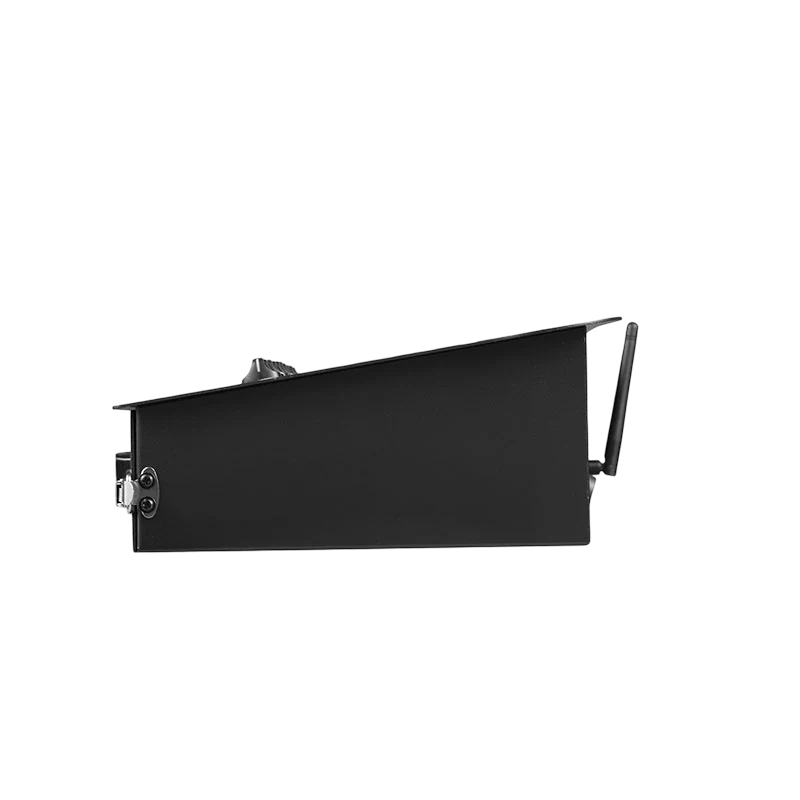
35*21.5*9.5 CM
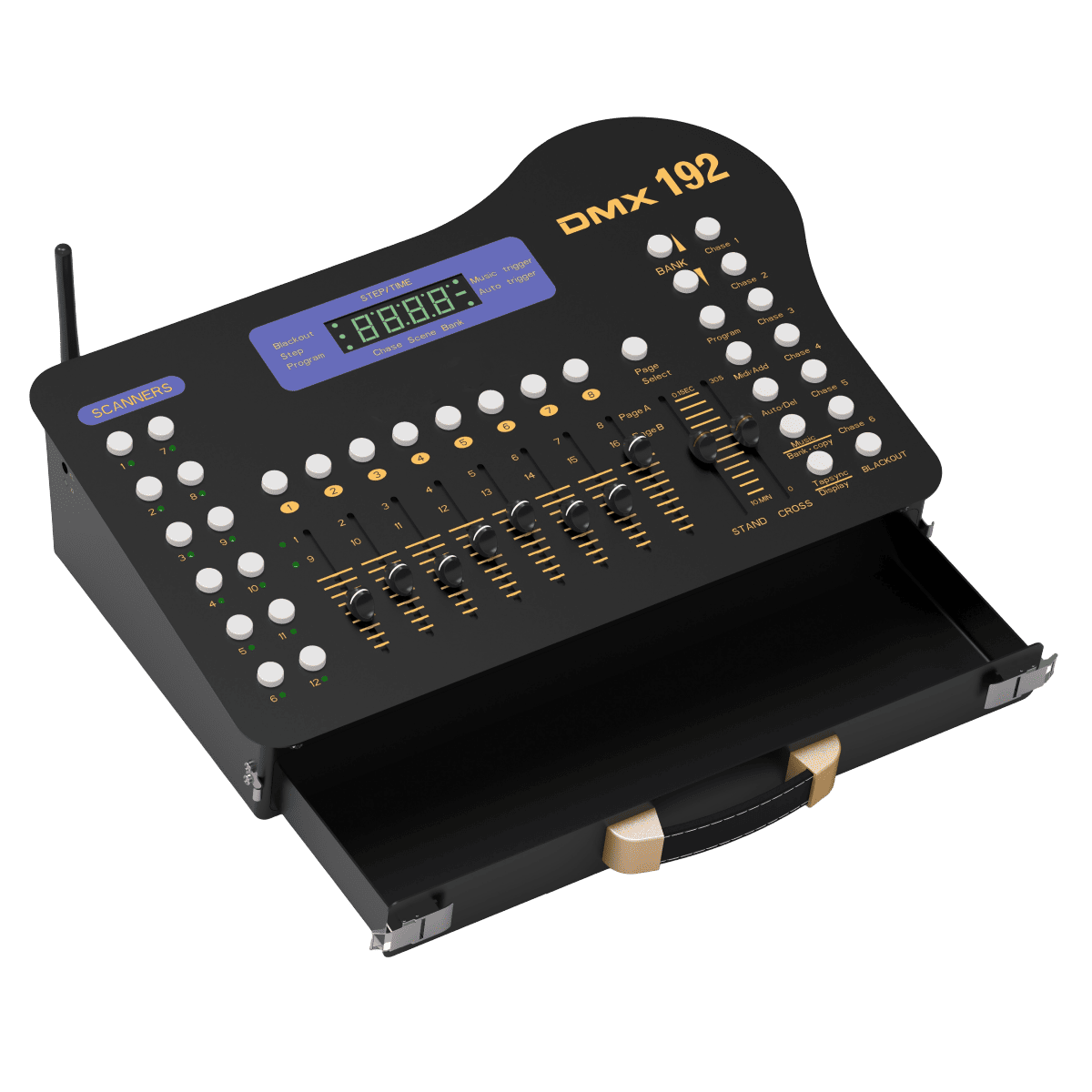
To select any or all of 12 fixtures
to store or run scenes
To select page A for channel lt08, or page B for channel 9 t0 16.
4-digit showing values and settings chosen
23 banks are available for selection.
To select 1-6 chases
Disables all channel outputs
to activate the program mode. Display links when activated
a. Press and hold the MIDI key for 2 seconds while running, and the 3rd and 4th digit digital tubes flash. Select the MIDI channel using ↑ or ↓, and then press the MIDI key for 2 seconds to end the MIDI channel setting. The selected MIDI channel can be saved, or any key other than ↑ or ↓ can be pressed to end the MIDI channel setting without saving the selected MIDI channel
to select autorun in chase mode or delete scenes and/or chases
To trigger sound activation in Chase mode or to copy a bank of scenes from one to another in program mode
In Auto Chase mode, it is used to change the rate of chase and in Program mode, it changes LCD display value
To adjust the fade time. Fade Time is the time it takes the DMX Master to completely change from one scene to another.
To adjust the rate of chase speed in Auto Mode
To adjust the output level from 0 to 255 or the intensity from 0% to 100% of each channel, Rear Control Panel
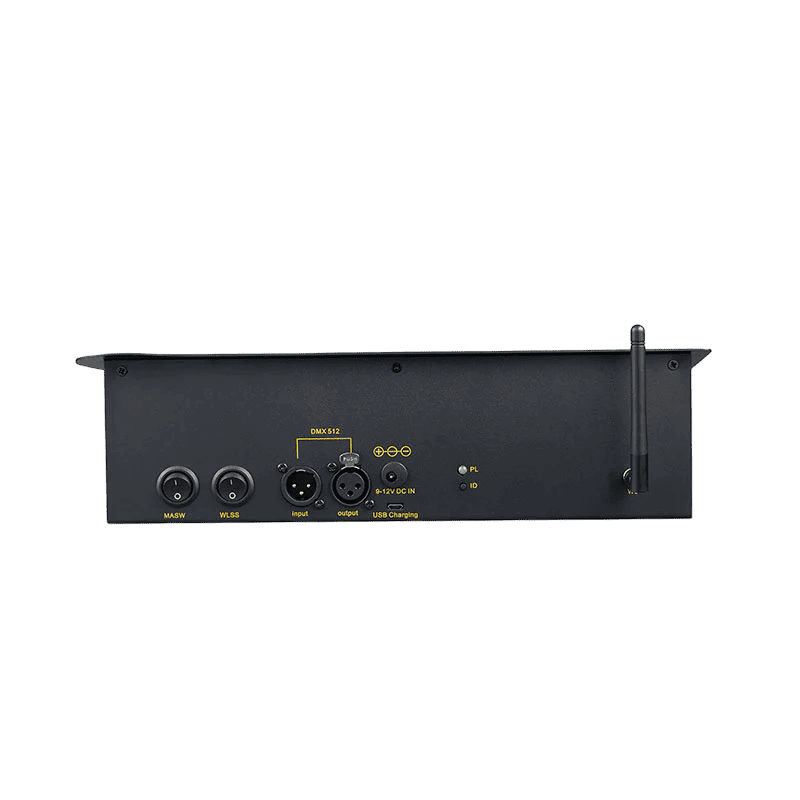
Power Switch
Wireless Switch
input and output
9-12 V
Mobile power supply port
Wireless signal indicator light and ID grouping indicator light
ID grouping button
2.4G antenna

Video
Product Overview


FAQ
Q1: Can I purchase accessories separately?
Accessories are not available as standalone items and are intended to be ordered together with our lighting fixtures.
Q2: What happens if I only order one accessory?
If a single accessory is purchased separately, it will require an additional shipping fee due to separate handling.
Q3: Can I add accessories to my main order?
Yes. You can add accessories before shipment, and we’ll include them with your lighting equipment to ensure everything arrives together.
Q4: How are accessories shipped?
When ordered with fixtures, all accessories are packed and shipped together, making installation easier and more convenient.