
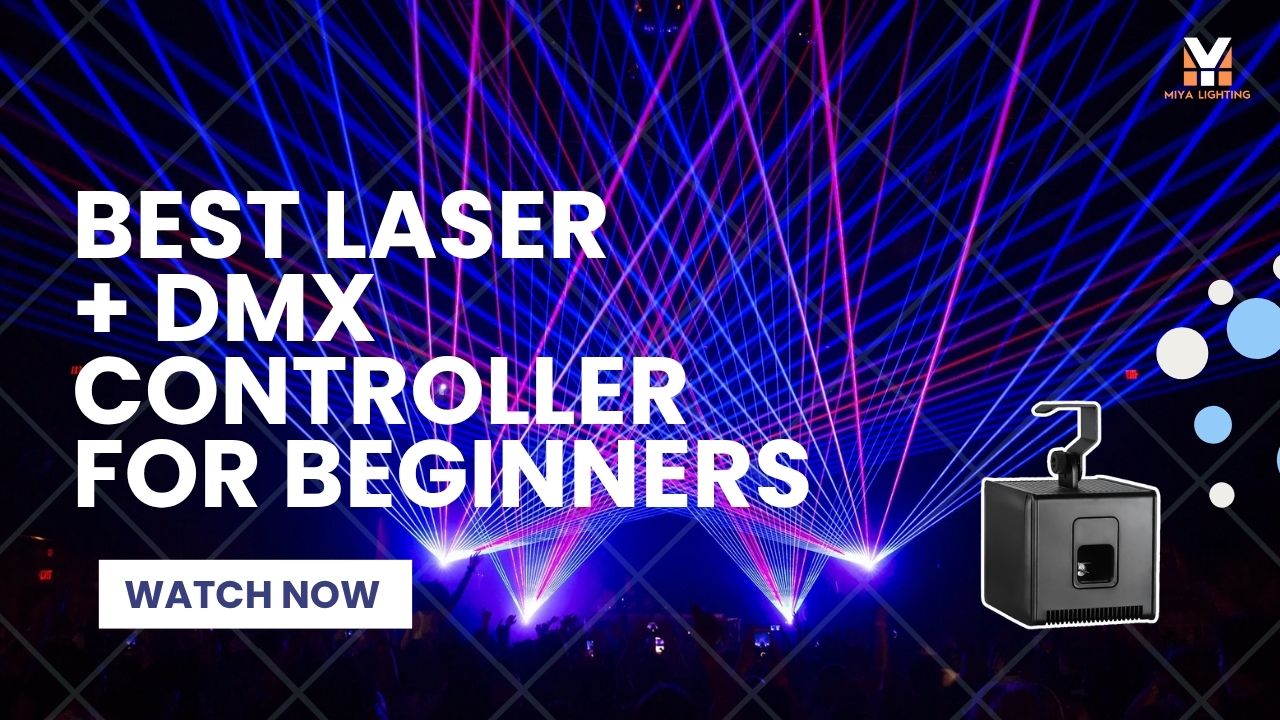
If you are new to laser lights, one of the first questions you may ask is: “What is the best laser + DMX controller that I can get as a beginner?”
It is a smart question. You want a setup that looks exciting, works for real parties, and does not cost as much as professional tour gear. At the same time, you do not want something so cheap that it feels disappointing after one weekend. Many beginners search for DMX laser, laser controller, laser DMX controller, or even dmx controller für einsteiger when they are trying to figure out where to start.
For most first-time buyers, the best answer is simple: start with a laser that looks good right away, then add DMX control when your setup grows. That is why the MIYA BlackCube Portable 3W Laser Lights with iOS App Control and Battery Power is a strong first laser choice. At a sale price of $398.00, the MIYA MY6 BlackCube gives beginners real RGB laser effects, portable battery power, iOS app control, and a compact design that can turn a bedroom, living room, backyard party, or small DJ setup into a vibrant laser light show.
When you are ready to learn DMX lighting control, the MIYA MY-0128 DMX192 Wireless DMX Controller is the next practical upgrade. At a sale price of $250.00, it delivers easy wireless DMX control with stable 2.4G transmission, portable power support, and plug-and-play setup for stage lighting, DJ lighting, wedding lighting, and event control.
Why Beginners Get Confused by DMX Laser Gear
The beginner lighting world can feel overwhelming fast. You search for one DMX laser light, then suddenly you see DMX channels, DMX control software, DMX control program options, wireless transmitters, ILDA interfaces, moving heads, LED fixtures, haze machines, and dozens of products that all look similar.
DMX is useful because it allows lighting fixtures to communicate through a controller. A DMX control system can help you organize scenes, control timing, and make different lights work together. That is why DJs, clubs, wedding companies, and small stage setups often use DMX light control and DMX control lighting workflows.
But for a first laser, you do not want the controller to become the reason you stop using the light. A beginner setup should feel fun on the first night. You should be able to turn it on, aim it safely, choose a few effects, and see the room change immediately.
The MIYA BlackCube makes that first step easier because you can start with iOS app control before spending time learning how to control DMX from a full lighting console.

Start with MIYA BlackCube as Your First Laser
The MIYA BlackCube MY6 is made for people who want a portable laser show without building a large lighting rig. It uses RGB laser effects to create colorful beams, animation-style patterns, and a real party atmosphere that basic LED lights often cannot deliver.
For beginners, the biggest advantage is control. Instead of starting with a DMX laser controller, you can use the iOS app to adjust the laser from your phone. That makes it much easier to test different looks in a real room. You can use slower movement while guests arrive, brighter effects when the music gets stronger, and more energetic patterns when the party turns into a dance floor.
The BlackCube is also battery powered, which matters more than many first-time buyers realize. You are not forced to place the laser beside the nearest outlet. You can move it to a shelf, stand, DJ table, or safe corner where the beams look better. For bedrooms, house parties, patios, wedding after-parties, and small event rooms, that flexibility makes setup much cleaner.
The version highlighted here is the 3W BlackCube with 25KPPS scanning, and it is in stock in the U.S. warehouse with 2–5 days delivery. For American buyers who want to start quickly, that makes the purchase feel much easier than waiting weeks for a first lighting experiment.
Where BlackCube Works Best
For a bedroom or gaming room, the MIYA BlackCube can turn a plain ceiling or blank wall into a moving RGB laser display. It gives the room a more immersive feel for music, gaming, streaming backgrounds, or weekend hangouts.
For a house party, it works as a simple way to make the space feel like a mini club. Basic party lights may flash or change color, but laser beams create movement and depth. Add a small amount of haze, and the beams become much more visible in the air.
For a wedding after-party, BlackCube can help the room shift from dinner mood to dance-floor energy. Soft effects can feel stylish early in the night, then brighter laser movement can make the party feel more alive once the music starts.
For a beginner mobile DJ, BlackCube is easy to carry, quick to place, and simple to control from the app. It is not a giant professional touring system, but it gives a first DJ setup a much more polished look than using only basic party lights.
When to Add the MIYA MY-0128 Wireless DMX Controller
You may not need a DMX controller on day one, but adding one can make sense when your setup grows.
The MIYA MY-0128 DMX192 Wireless DMX Controller is designed for users who want easier lighting control without running long signal cables across the room. Its stable 2.4G wireless transmission supports wireless DMX lighting control, helping reduce cable clutter for DJs, wedding hosts, small stages, and event lighting users.
This controller becomes especially useful when you start using more than one fixture. For example, you may use BlackCube as your laser effect, then add LED wash lights, moving heads, strobes, or other DMX stage lights. A wireless DMX controller can support cleaner scenes for laser effects, LED DMX control, and simple stage lighting transitions instead of letting every light run randomly.
For a wedding DJ, that means smoother transitions between dinner, first dance, and party time. For a garage DJ setup, it means you can practice real lighting control without investing in a large console. For a small event host, it helps the lighting feel more organized and less like separate devices doing their own thing.
DMX, Laser DMX, and ILDA: What Should Beginners Know?
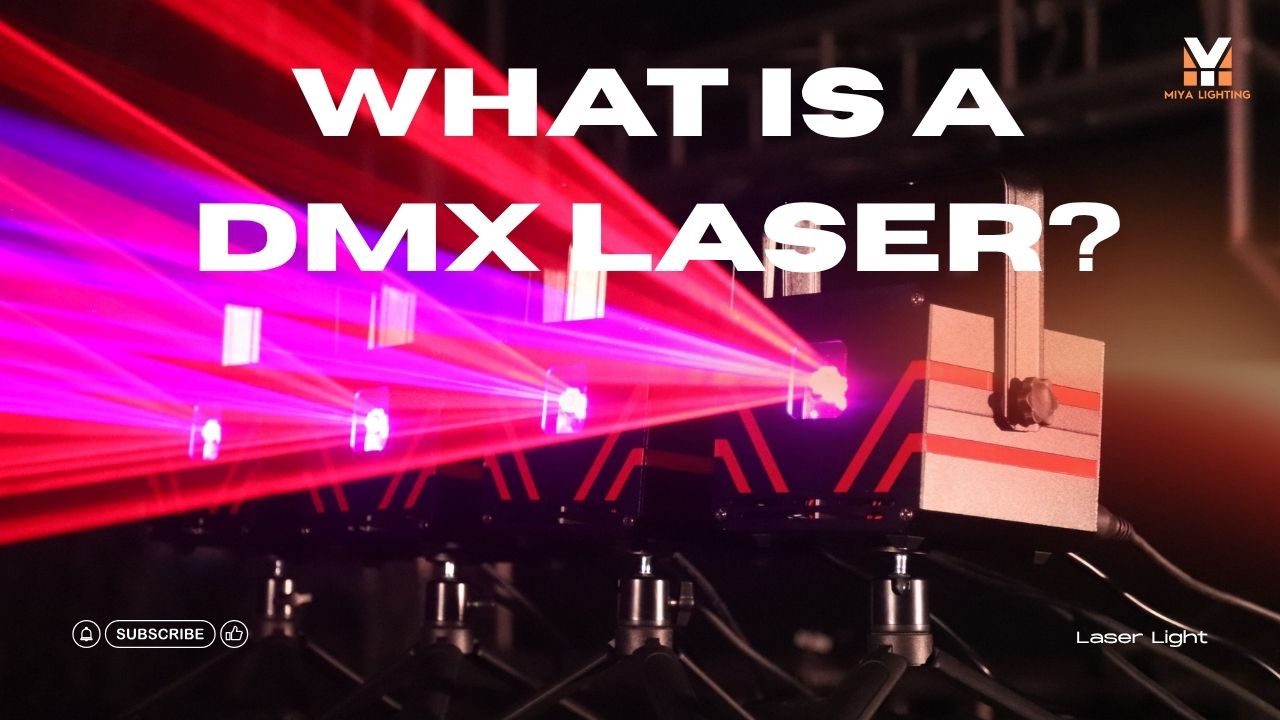
The terms can sound technical, but the basic idea is easy. Laser DMX means using DMX control to manage a compatible laser fixture as part of a lighting system. A DMX laser projector or compatible laser can receive commands from a controller, so the show can match other lights more cleanly.
An ILDA laser controller is different. ILDA is usually for more advanced laser software and hardware workflows, especially when users want custom graphics, text, logos, or programmed laser scenes. If you are just starting, you probably do not need ILDA on day one.
For a beginner, app control is the easiest start. Laser DMX becomes useful when your lighting setup grows. ILDA becomes useful later if you want deeper laser programming. This path helps you avoid spending too much too early.

App Control First, DMX Later
The best beginner advice is simple: start with the laser, learn the room, then add control.
Use the MIYA BlackCube first through the iOS app. Try different positions. See how the laser looks on a wall, ceiling, backdrop, or with light haze. Learn which effects fit a relaxed hangout and which effects work better for dance music.
Once you understand what you want the lighting to do, the MIYA MY-0128 wireless DMX controller becomes more valuable. At that point, you are not buying DMX because it sounds professional. You are buying it because you know how you want your lights to behave.
That is the difference between wasting money and building a setup that actually grows with you.
Is This Better Than Buying Cheap Amazon Gear?
Cheap beginner lights can be tempting, especially if you are not sure whether you will stay interested. The problem is that many low-cost lights feel exciting for one night and limited after that. They may have weak effects, poor control, no upgrade path, or unreliable build quality.
The MIYA BlackCube sits in a better beginner range. It is still approachable at $398.00, but it gives you real RGB laser effects, app control, battery-powered placement, and a more creative experience. Pair it later with the MIYA MY-0128 controller, and you can start learning DMX laser lighting without replacing your entire setup.
For users comparing DMX lasers, DMX laser lights, or a complete DMX light show setup, this combination offers a practical path: a fun portable laser now, then wireless DMX control when you are ready for a cleaner lighting workflow.

Safety Tips for First-Time Laser Buyers
Even beginner laser lights should be used responsibly. Place the laser on a stable surface and aim it toward a wall, ceiling, or safe backdrop. Do not aim beams directly into people’s eyes, and never point lasers at aircraft or unsafe outdoor areas. Test your setup before guests arrive, and use light haze carefully to make beams visible without overwhelming the room.
A good laser show should feel exciting, clean, and controlled.
Final Thoughts
So, what is the best laser + DMX controller setup for a beginner?
For most new users, start with the MIYA BlackCube MY6. It gives you portable RGB laser effects, iOS app control, battery power, 3W 25KPPS scanning, U.S. warehouse stock, and fast 2–5 day delivery at a sale price of $398.00.
Then, when you are ready to control more lights and build a cleaner event setup, add the MIYA MY-0128 DMX192 Wireless DMX Controller. Its 2.4G wireless control, portable power support, and plug-and-play design make it a practical next step for stage lighting, DJ lighting, weddings, and small events.
Start simple. Make the room look good. Learn what effects you love. Then grow into DMX control when your shows are ready for it.

Leave a comment
This site is protected by hCaptcha and the hCaptcha Privacy Policy and Terms of Service apply.