
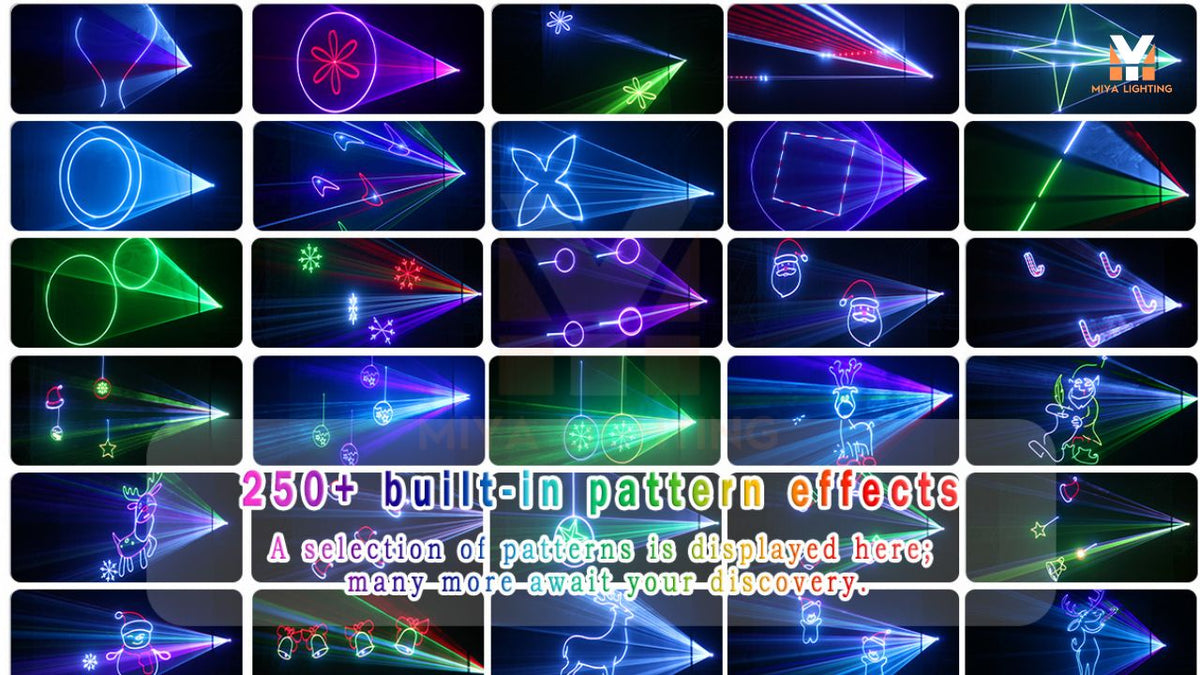
String lights around the windows and a decorated tree make a familiar Christmas scene. Adding a moving animation or a personal greeting gives guests another detail to notice—and gives you a new way to make the celebration feel like yours.
A Christmas laser projector offers creative possibilities beyond scattered star dots. From festive animations to family greetings and simple seasonal graphics, projected content can become part of your holiday decorations. The MIYA MY7-Pro combines those options with smartphone control, letting you preview patterns and choose what fits the occasion.
Make Christmas Animations the Centerpiece
Start with one clear projection area. An uncluttered wall or designated backdrop gives animations room to stand out, while nearby garland and string lights help frame the scene. Keeping the background simple makes the projected shapes easier to recognize.
The MY7-Pro includes Christmas animation patterns that you can preview directly in the app. Browse the available designs and choose a few that complement your decorations. A consistent selection can make your Christmas projector lights feel like part of a planned display.
Test the animations on the actual surface before your gathering. Dark paint, windows, and textured materials can change their appearance, so use the phone preview to choose content and the projection to judge the final result.

Add a Personal Christmas Greeting
A short message can turn a general holiday display into something personal. With text projection, your Christmas laser projector can display “Merry Christmas,” “Happy Holidays,” or a welcome greeting featuring your family’s name.
For a gift exchange, project the name of the gathering. For a Christmas dinner, welcome friends with a brief seasonal message. You can change the wording for different celebrations without replacing a physical sign.
Keep the text short and give the letters enough space. Check readability from where guests will stand, especially if the wall has decorations nearby. A simple greeting that people can read immediately makes an effective focal point.
Create Seasonal Graphics from Simple Images
The MY7-Pro supports image recognition, giving you another way to personalize your laser Christmas lights. Use a simple source image to create a line-based laser graphic that matches your theme.
An uncomplicated tree outline, gift symbol, or seasonal illustration can be a useful starting point. These are ideas to test through image recognition, rather than a list of guaranteed built-in patterns. Choose images you own or have permission to use.
Bold outlines and limited detail generally translate more clearly than photographs or shaded artwork. Review the recognized graphic and simplify the source if needed. Testing a few images before the party helps you find a design that works well at your intended projection size.

Plan a Christmas Light Show Around the Evening
Your lighting can change as the celebration progresses. Begin with a welcome message while guests arrive, select Christmas animations during the gathering, and switch to geometric effects when the music picks up.
A Christmas light show does not need constant changes to hold attention. A few deliberate selections can help create different moods throughout the evening. Use the app to choose the next effect when you want a change.
This is a useful consideration when comparing holiday projector lights. Think about whether you want one repeating background effect or the flexibility to select different content for different moments.
Preview Every Built-In Pattern on Your Phone
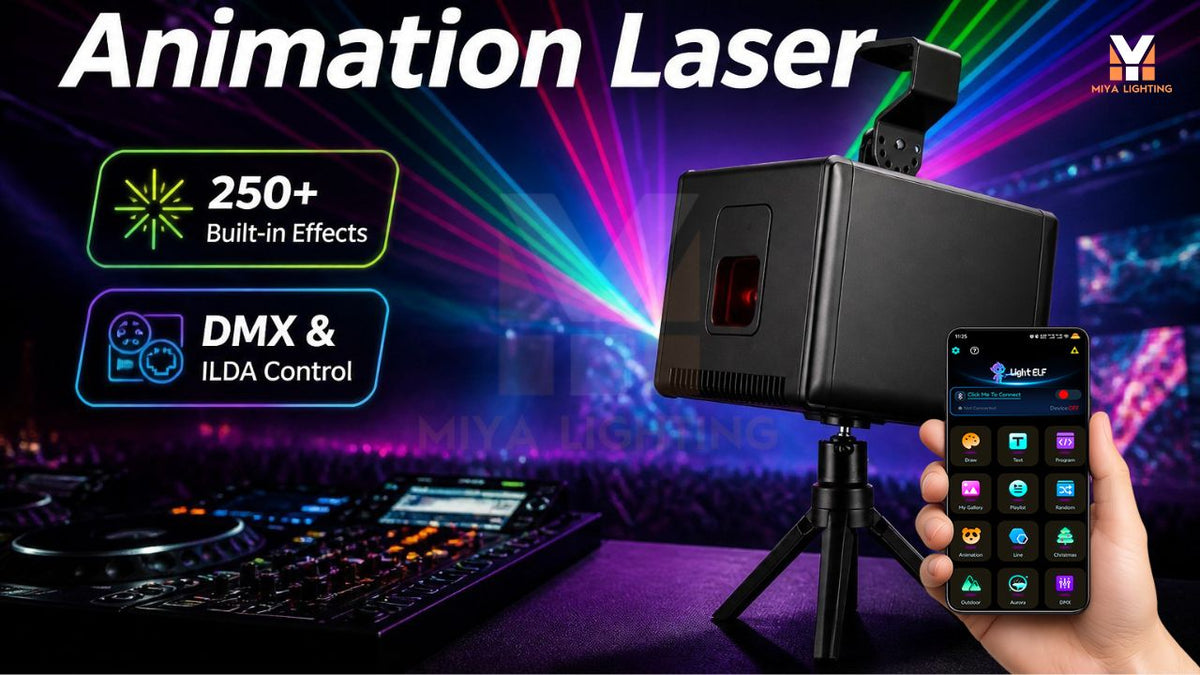
Choosing content is more straightforward when you can see the available options. The MIYA MY7-Pro lets you preview and select all 180 geometric patterns and 60 animation groups directly in the LightElf app, including its festive selections.
You can explore the library on your iPhone or Android, compare patterns, and then check your favorites in the room. That visual selection process is a practical advantage of an app-controlled Christmas laser projector.
The same app also gives you access to text projection and image recognition. Start with a built-in animation, add a personal greeting, or experiment with a simple seasonal graphic to give the display its own identity.

Pair Christmas Projector Lights with Existing Decorations
Your projection does not have to compete with everything else in the room. Warm string lights can frame the display, while a softly illuminated tree adds balance nearby. Avoid directing a bright lamp onto the projection area, where it can reduce contrast.
Give your Christmas projector lights a specific role. Use projected text as a welcome feature or let an animation become the main visual detail on an open wall. Leaving some space around the image helps it stand out.
Animations and text need a projection surface. Airborne laser beams create a different effect and may rely on haze where permitted. Choose the presentation that suits your space and the atmosphere you want.
Choose a Practical Holiday Setup
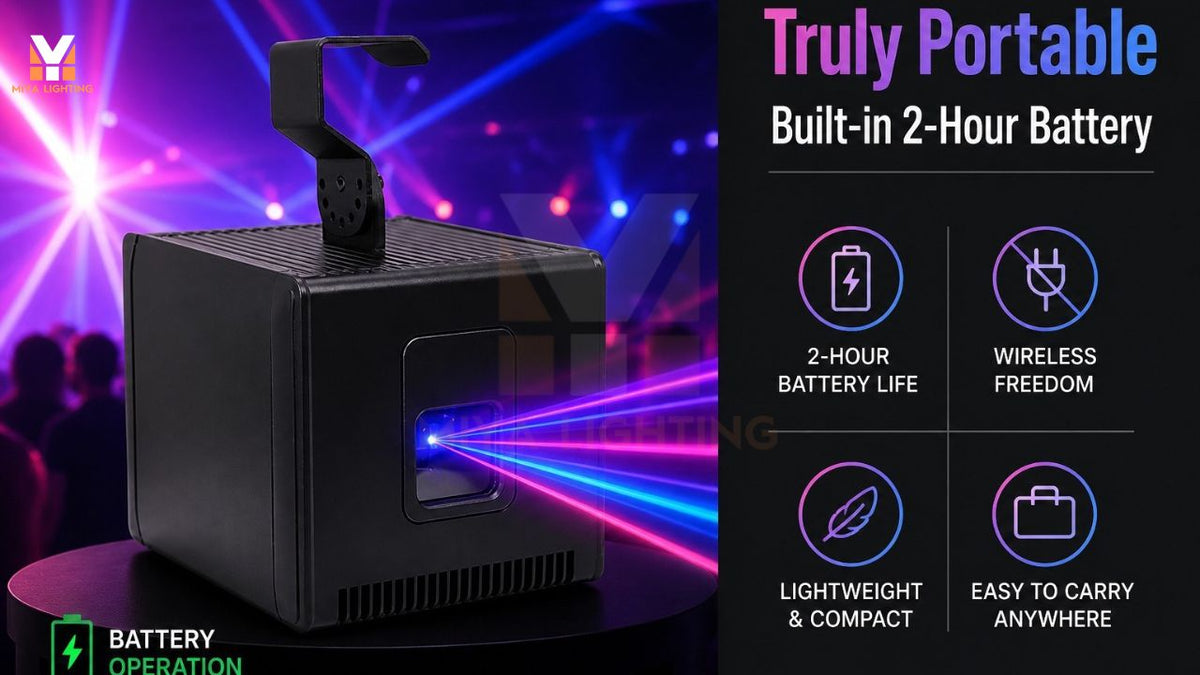
The MY7-Pro combines RGB effects, app control, and a built-in battery in a portable design. Battery power provides flexibility when planning placement, but confirm the expected runtime for your settings and charge the unit before the event.
Use a secure installation position, allow the required ventilation, and follow the product’s laser safety instructions. Keep direct beams away from people and reflective surfaces. If you are planning an outdoor display, confirm the model’s environmental suitability with MIYA; battery operation does not establish weather resistance.
Explore the MIYA MY7-Pro Christmas laser projector and build your display around the content you want to share. Festive animations, a personal greeting, and a simple seasonal graphic can bring a fresh detail to your next Christmas celebration.

Leave a comment
This site is protected by hCaptcha and the hCaptcha Privacy Policy and Terms of Service apply.